When Video Previews Help a Game Website
Use a video preview when movement communicates something a still cannot: the rhythm of combat, a character’s performance or the atmosphere of a place. Keep the page understandable before playback starts. A preview should help someone decide what to open, not become another step they must complete.
Give motion a specific job
Compare two possible previews for a hypothetical exploration game: a logo fading in, or a character crossing a swaying bridge. The second reveals movement and scale. Choose a short moment with one readable action, and check its crop at the actual card size. Keep the game title and destination visible without waiting for the clip.
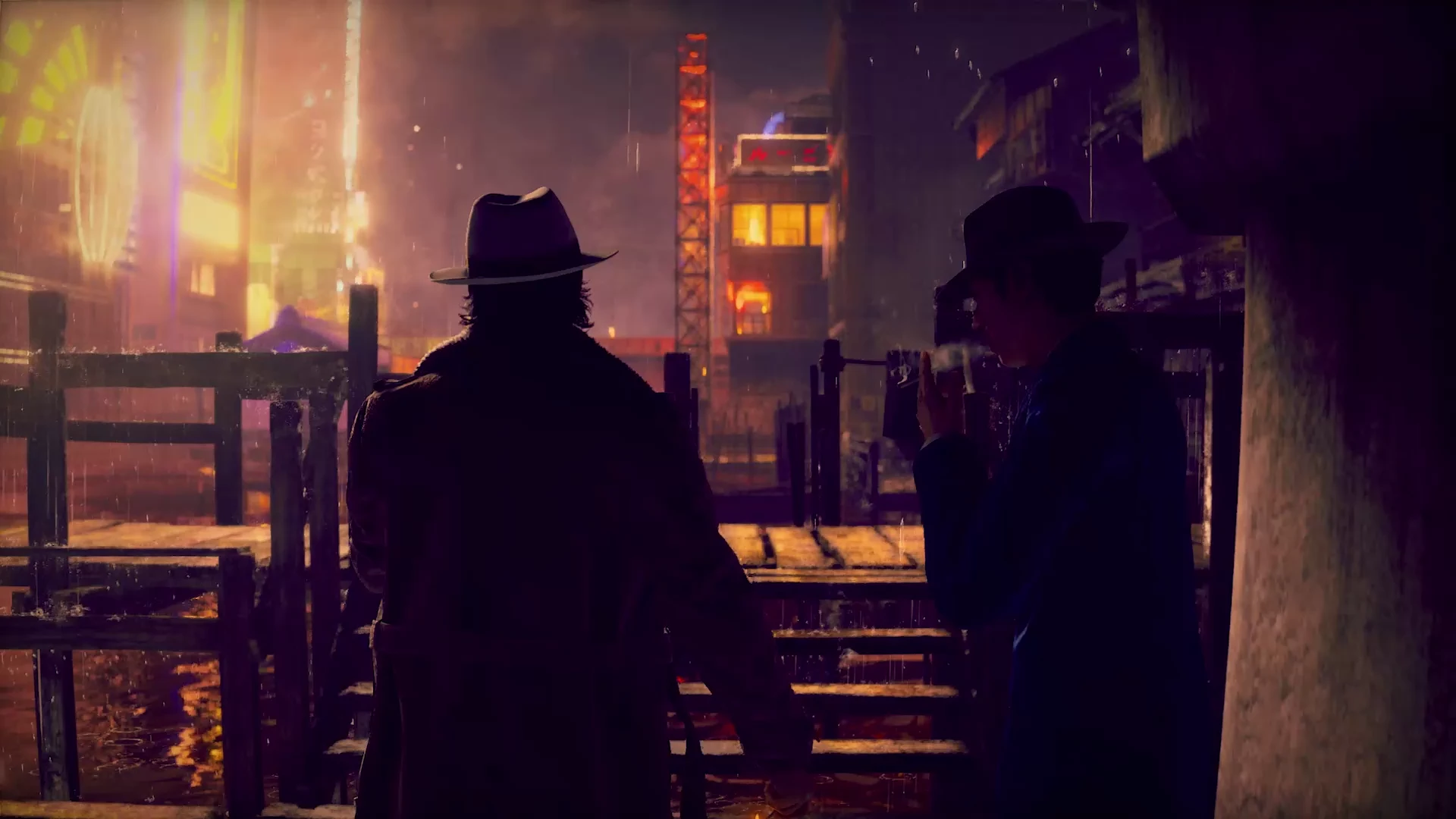
In Twined’s Work collection, the unofficial Stranger Than Heaven website study has a muted video preview in its project frame. The preview introduces the visual mood; opening the project provides context and a route to the experience. This is a self-initiated concept, not work commissioned by SEGA or evidence of a conversion result.
Make the still version complete
Select a representative poster instead of a black opening frame. HTML video supports a poster image before playback. Keep that image usable if playback fails, and avoid putting essential information only inside the clip.
Start previews muted. Browser policy and user settings can prevent automatic playback, so handle failure without hiding the link or showing a broken panel. MDN’s autoplay guide explains these restrictions. Offer the full trailer separately, with playback and sound controls the visitor chooses.
Check the whole interaction
On a phone, tap once and confirm the destination opens as expected. Do not require a hover before the link works: the hover media feature distinguishes input devices that can conveniently hover from those that cannot. Keep a clear still-and-link route for touch and keyboard visitors.
On desktop, move between cards and confirm the previous preview stops. Navigate away, then return. Nothing should keep playing unseen. With reduced motion enabled, retain the poster and direct link; motion should not be the price of access.
Finally, open the full trailer and check that its controls work, its sound is intentional and the page still offers the next action afterward. If the preview adds distraction without improving the decision, use the still. Twined can help plan that balance within an interactive game website.