Which Gameplay Footage Should You Send a Trailer Editor?
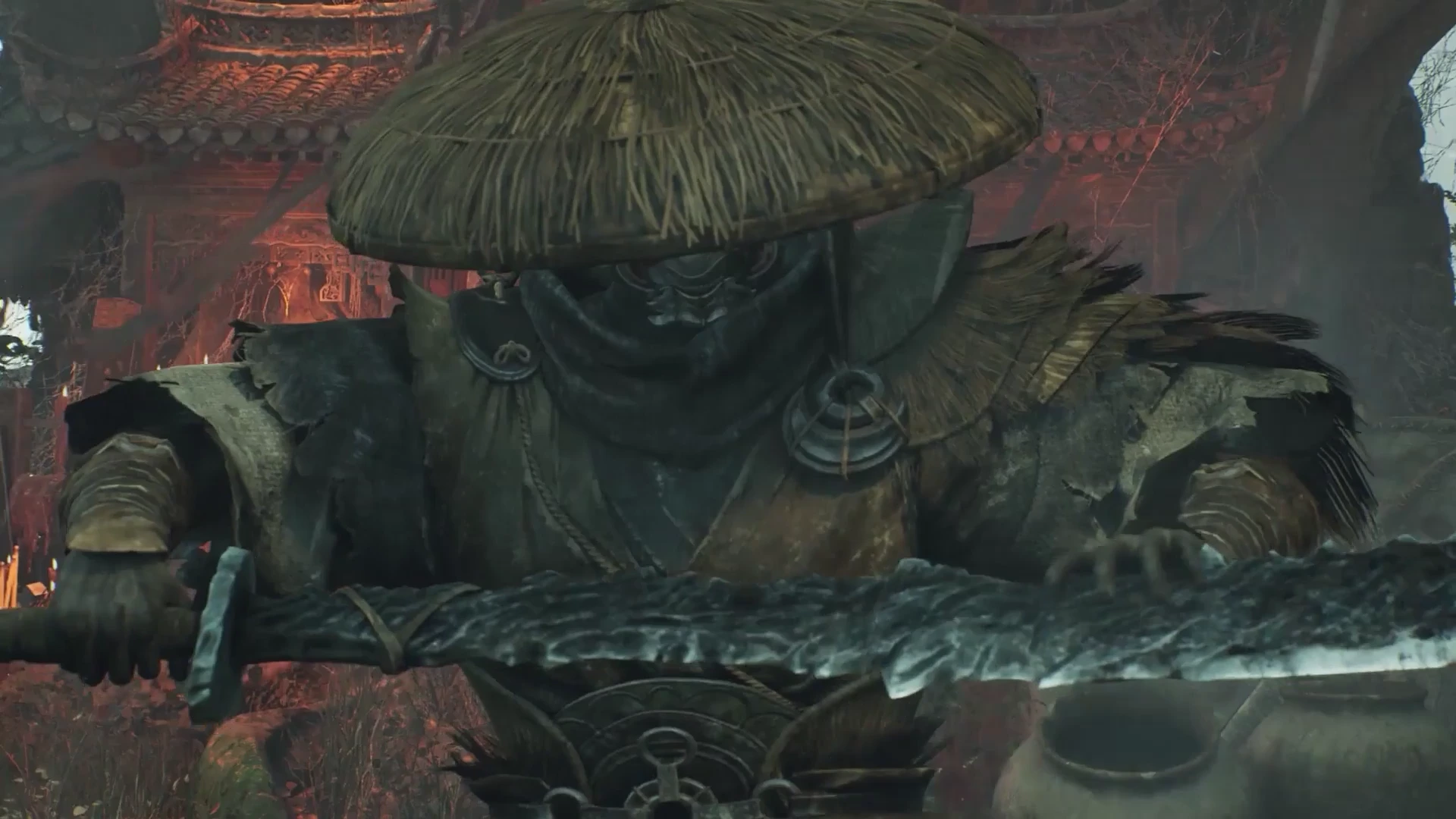
Send your trailer editor a labelled selection of complete gameplay actions, the original recordings they come from and a short list of shots still missing. A useful selection explains what each clip proves, where the usable moment begins and whether it is approved to appear publicly.
Our recommendation is to organize footage around what a new viewer needs to understand. Keep your full recordings available, but give the editor a clear starting point. If the audience, message or intended placements are still undecided, settle those first in your trailer production brief.
Select actions with a beginning and a result
For each important mechanic, find a moment that shows the situation, the player's decision and its consequence. A spectacular impact can provide punctuation, but it may not explain how the player caused it. Include the lead-in and the outcome so the editor can choose how much context the sequence needs.
Imagine a hypothetical salvage game where players restore power to move heavy cargo. A useful selection shows the disconnected crane, the player rerouting power, the crane lifting a container and the newly opened route. Four unrelated shots of sparks and machinery would establish atmosphere without demonstrating that interaction.
Review those choices without narration. Can someone identify the player, the obstacle and what changed? Valve recommends primarily gameplay for the first Steam store trailer, shown from the player's perspective, and notes that visible HUD elements can help. Treat a clean, HUD-free version as an option where useful, rather than automatically removing the information that explains play.
Give every selected moment an address
Use one selection sheet with the original filename, an elapsed time range, the action shown and a short reason to consider it. Preserve source filenames once they have been shared. If you provide a shorter review clip, retain the link back to its original recording.
For the salvage example, a row might read: salvage_b12_crane_take03.mp4; source 00:41–01:03; preferred action 00:46–00:58; reroute power, lift container, reveal passage; HUD on; approved opening-area footage. These are illustrative timings, not a recommended shot length. The wider source range preserves material before and after the preferred action for editorial choices.
Mark a preferred take and explain why an alternative exists: clearer input, stronger reaction or less camera movement. Avoid sending several near-identical takes with no distinction. Keep atmosphere, dialogue and cinematic shots in separate groups so they can support gameplay without being mistaken for playable actions.
Test one capture before recording the batch
Agree the recording settings with the editor, including resolution, frame rate, aspect ratio and whether the capture uses HDR or SDR. Log the actual settings and game build beside the files. Storefront delivery requirements describe the final upload; they do not automatically determine the best source recording for every edit.
Record a representative action, then watch the saved file at normal speed. Check for stutters, hidden objectives, a cursor over the action, debug overlays, notification sounds and a camera that turns before the result can be understood. Send that short test to the editor to confirm it imports and displays correctly before repeating the setup across many sessions.
If a vertical version is planned, inspect that framing too. Does the crop retain the player and the object they affect? In the salvage example, keeping only the crane while losing the power switch breaks the explanation. Capture another angle or plan a separate composition when the interaction cannot fit.
Keep useful sound separate where possible
Identify what is in the recording: game sound, music, dialogue, microphone and voice chat. Give the editor a track map and note any material that cannot be used publicly. An attractive take with commentary covering every important sound may need another capture.
OBS supports assigning audio sources to separate recording tracks, which compatible editors can manage individually. This does not separate music and effects already mixed into one game-audio source. If the build permits it, plan separate passes or use its audio controls when clean effects are needed.
Open the test recording in the editing application and check the expected tracks. Do not assume a silent track is missing just because an ordinary player is playing a different one. Keep an easily playable mixed version for review alongside the clearly labelled source material.
Separate usable footage from unresolved footage
Use explicit statuses such as approved, needs review and do not use. Record who can resolve a question. A clip can be technically clean while showing an outdated interface, an unreleased feature or a story reveal that should stay private. Approval for an internal edit is not the same as approval for publication.
Make a missing-shot list instead of disguising gaps with unrelated footage. For the salvage sequence, you might have the lift and reveal but lack a readable shot of the power connection. Name that missing action, its required viewpoint and the person responsible for supplying it. The editor can then identify which part of the sequence depends on another capture.
Hand over a selection someone else can navigate
Before sending, ask someone who did not record the footage to find one selected action using only the sheet. They should reach the right source file and time range, understand its approval status and see any limitations without asking you to narrate the folder.
Deliver the selection sheet, source recordings, audio notes and missing-shot list together. Verify that shared links work for the intended recipient. Once a rough cut exists, use version-specific trailer feedback to discuss the edit rather than revising the source labels without explanation.
Have footage ready for an edit? Twined’s Gameplay Trailer Editing & Short Clips service works from supplied recordings, with capture and new animation scoped separately. Tell us what you have and where the trailer will run.