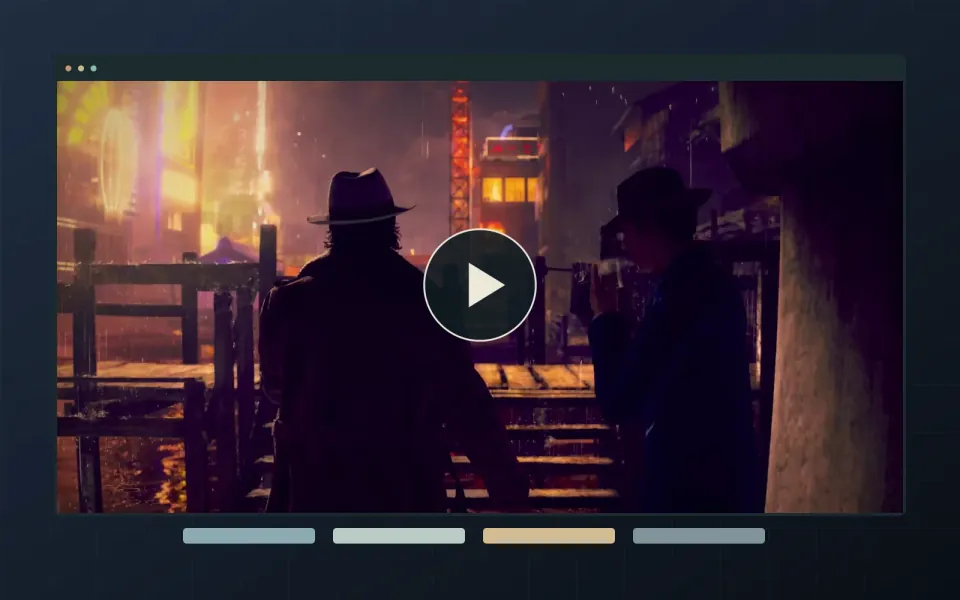
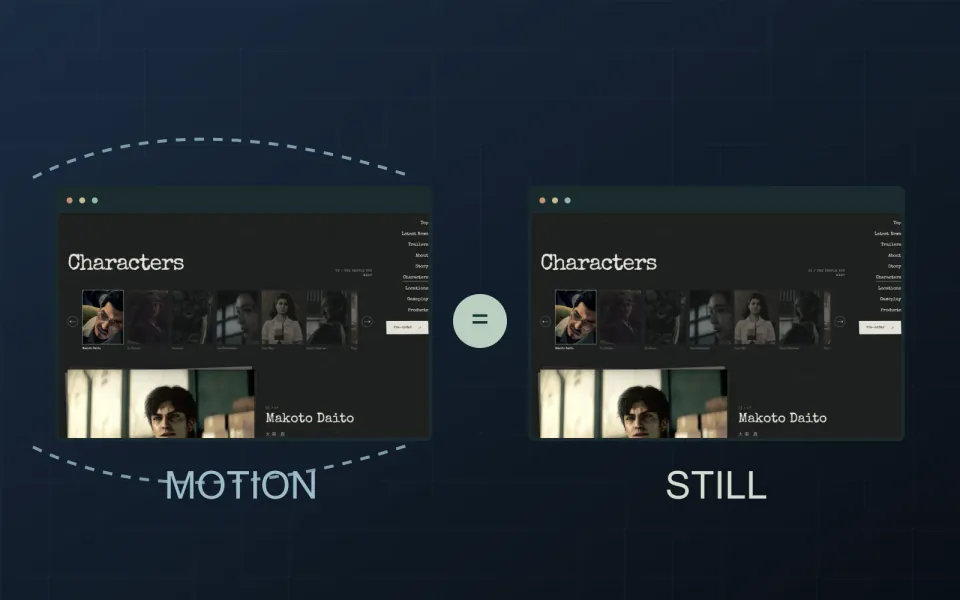
Sound on Game Websites: Let the Visitor Choose
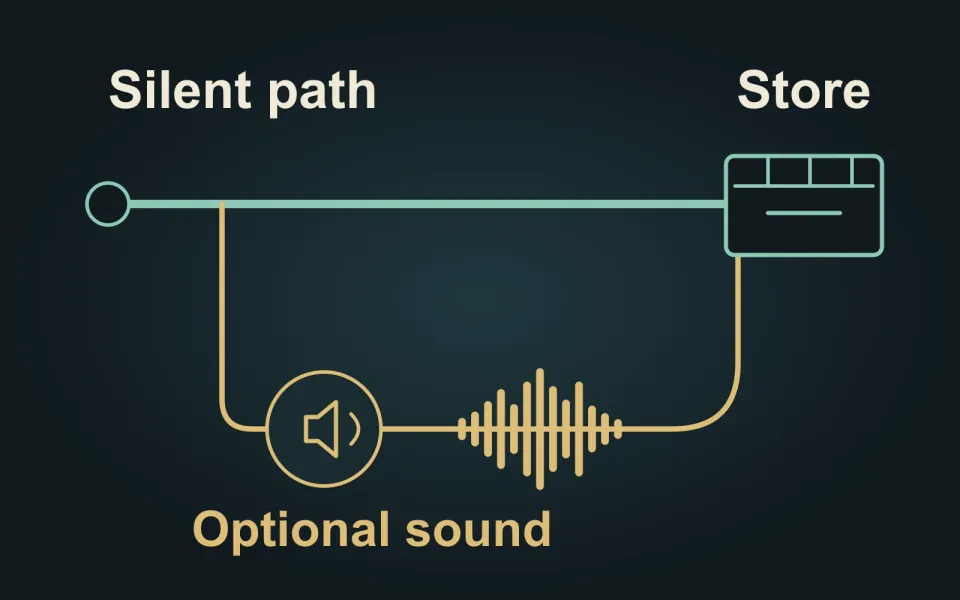
Let visitors explore your game website without sound, then choose when to listen. Atmosphere can support the experience, but it should not compete with a trailer, obscure information or make someone hunt for the mute control.
Keep the silent route complete
A visitor should be able to understand the game, browse the work and reach the demo or store without turning audio on. If a scene uses a sound to signal a discovery, give that discovery a visible indication too. Treat music as an optional layer rather than a gate before the website.
W3C’s explanation of WCAG Audio Control says automatic audio lasting more than three seconds needs a pause or stop mechanism, or volume control independent of system volume. It also encourages sound that starts through an intentional visitor action. Starting quietly is our recommendation, not a claim that this alone makes a website accessible.
Decide which sound owns the moment
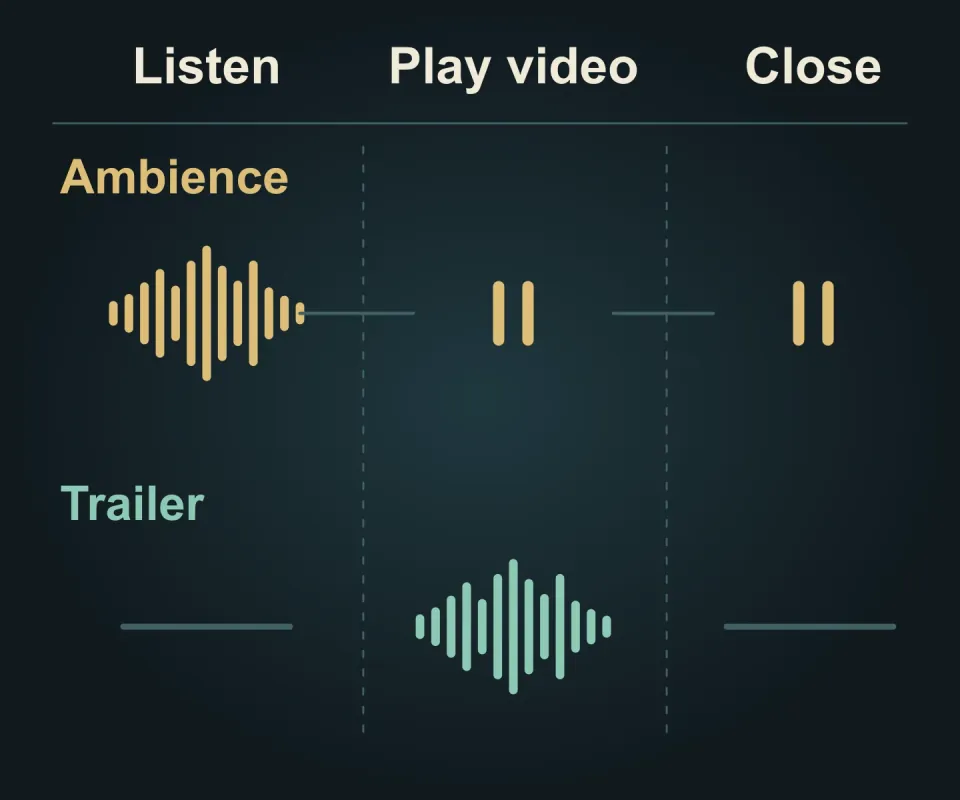
Before building, list the sources: background ambience, object effects, trailer dialogue and any music player. Agree what happens when one begins while another is active. Two individually pleasant tracks can compete when played together.
For a hypothetical world showcase, we would pause the ambience when the visitor starts a trailer with sound. When the trailer closes, keep the ambience paused until they choose to resume it. The diagram shows that proposed rule. Do not assume that closing a video means someone wants the background music back.
Use a control whose name and state make the result clear, such as “Turn sound on” followed by “Turn sound off.” Keep it available as the visitor moves through the experience. A decorative speaker with an unexplained slash should not carry the whole instruction.
Review the whole listening sequence
Check a fresh visit, sound on, trailer play, trailer close and sound off. Repeat after moving to another page and returning. Confirm that no hidden player continues underneath the next scene, and agree whether a previous sound choice carries between pages.
Try that sequence with a mouse, keyboard and phone. Check both what can be heard and the visible control state; a changed icon is not proof that playback stopped. Include a complete silent visit in the review, not just the most atmospheric route.
For Twined’s game website design, agree these playback rules alongside the other interactions. Tell us about the experience you want visitors to explore.