Reduced Motion for Game Websites: What Should Change?

A reduced-motion version of a game website should preserve the discoveries and decisions while removing unnecessary camera travel, drifting scenery and large moving transitions. Agree that alternative before approving the animated design, so visitors can reach the same characters, trailers and store links without completing an animation.
Define what changes and what stays
Browsers can detect an operating-system motion preference through prefers-reduced-motion. The site must deliberately respond; enabling the setting does not automatically repair every animation. MDN explains the preference and its use.
Our recommendation: give each major transition a simple alternative. A camera flight becomes a direct scene change. A floating collection becomes stable, selectable images. A character biography appears in its final position. Keep the artwork, selection state and useful feedback, including a visible indication of which character is selected. Shortening a dramatic zoom is not the same as removing it.
Test a complete visitor journey
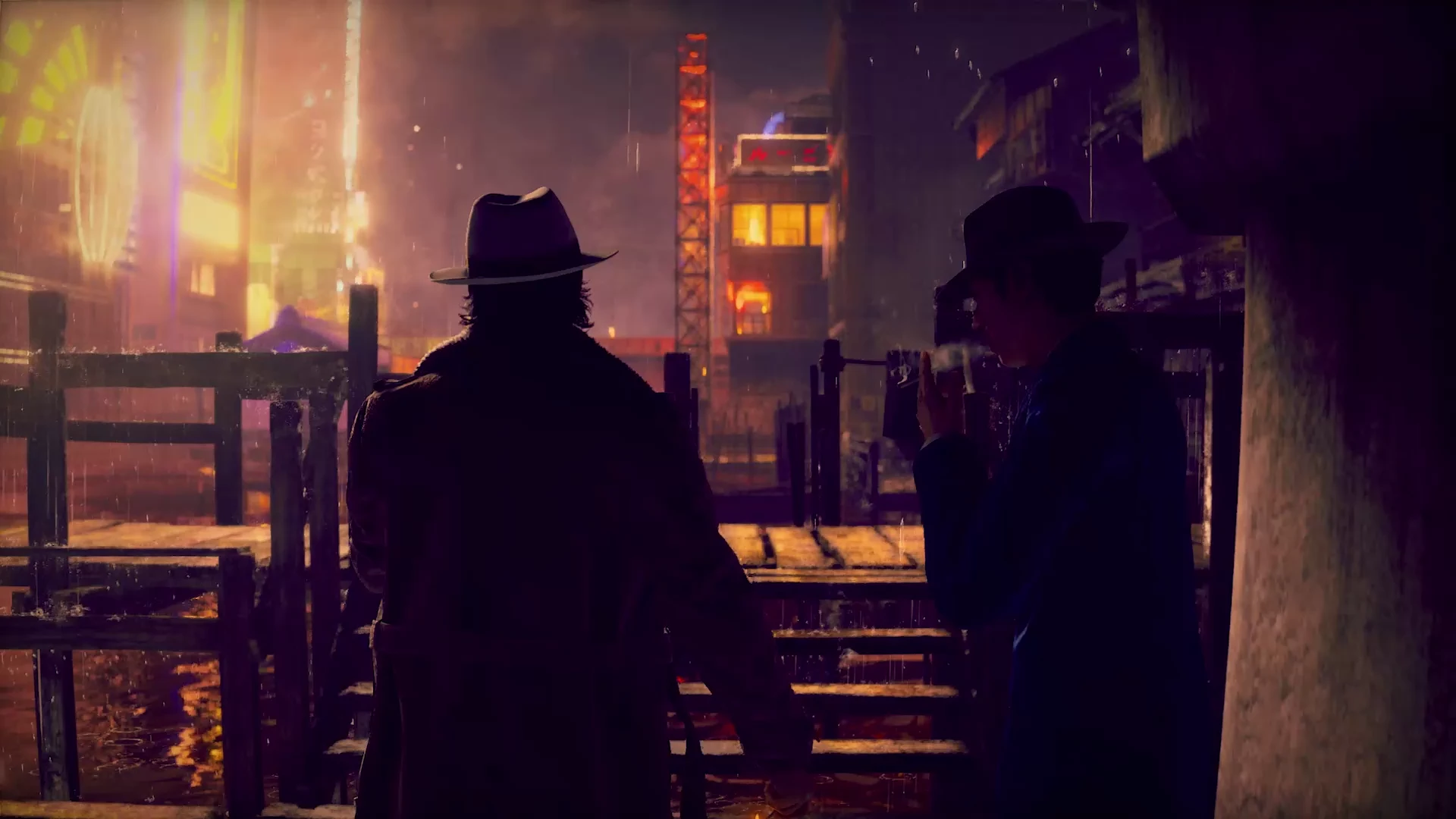
Consider a hypothetical horror-game site where a corridor opens into a character room. In the calmer version, selecting the room should show its contents directly. The visitor should still be able to choose a character, read the introduction, open a trailer and return to the same selection.
Start a fresh visit with reduced motion enabled. Check that text is already readable and buttons work without waiting for an animation to finish. Then change the preference while the page is open: does active camera movement settle, and do focus and the chosen character remain intact? Repeat the route with keyboard and touch. A hidden heading or unreachable door is a failed alternative, even if the movement stopped.
Review automatic motion separately
WCAG's Animation from Interactions criterion addresses disabling nonessential movement triggered by interaction. Its Level AAA guidance specifically discusses parallax and transitions. Automatic movement has a separate check: the Pause, Stop, Hide criterion covers movement that starts automatically, lasts more than five seconds and appears alongside other content, unless essential.
For a trailer the visitor chooses to watch, retain a clear Play action and usable playback controls. For decorative background loops, agree a still alternative and an appropriate way to stop the motion. These checks cover this motion decision; they do not establish a full accessibility audit.
Include the calmer route in the acceptance review for your game website. If you're planning an animated character or world showcase, bring Twined the journey and its key interactions so both versions can be scoped together.