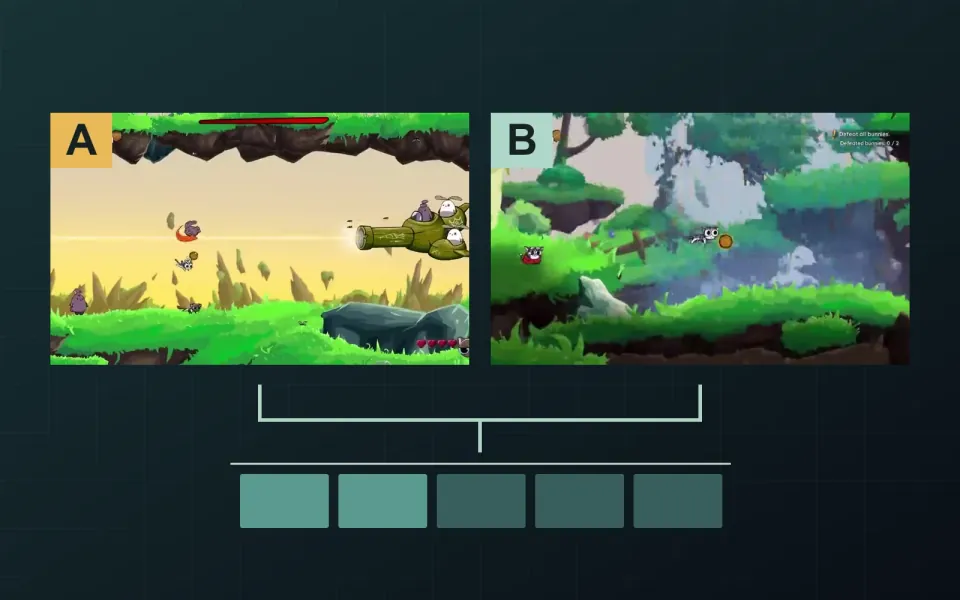
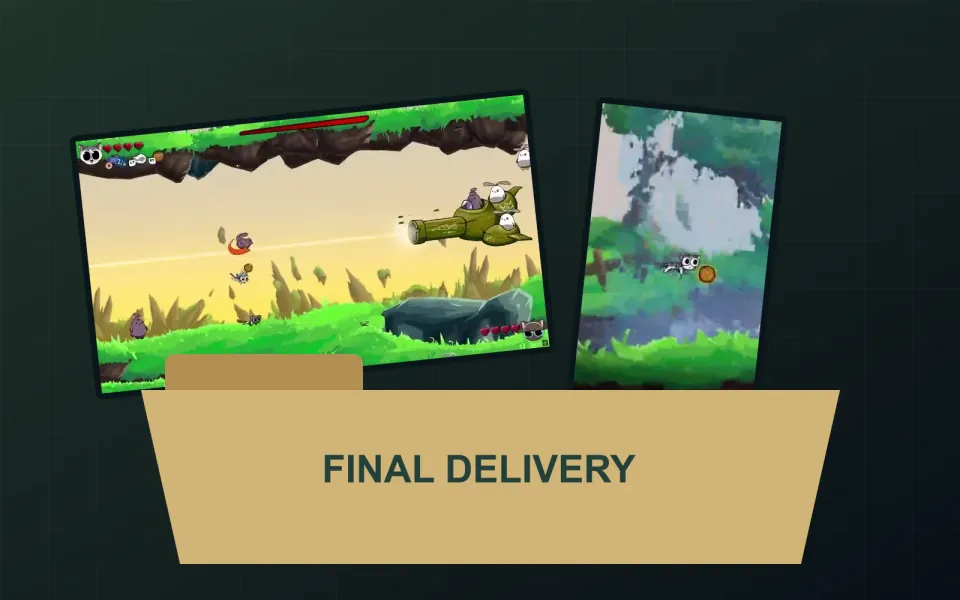
Choose a Steam Trailer Thumbnail That Matches the Video
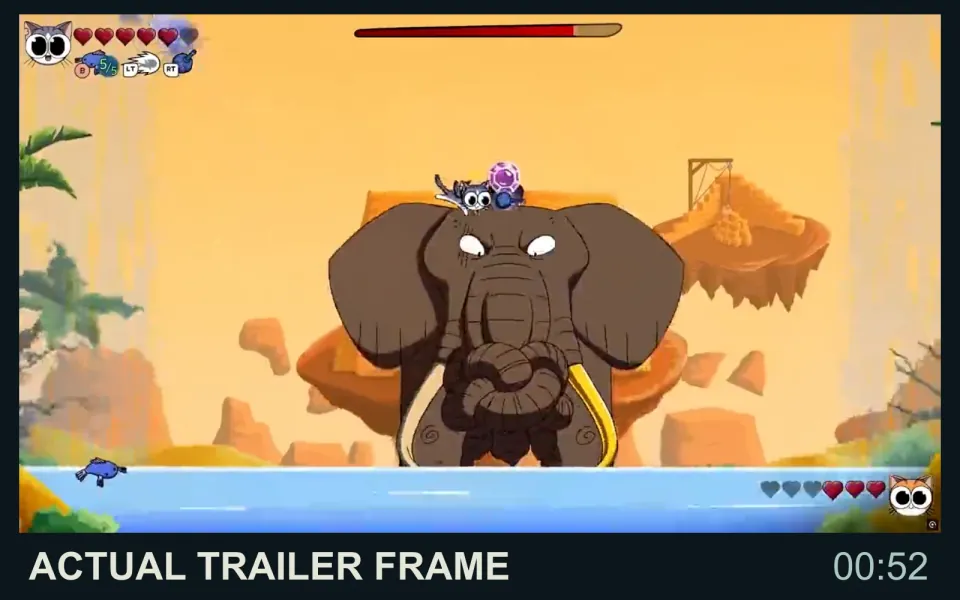
Choose your Steam trailer thumbnail from the finished video, then review it beside the trailer's name and category. Together, they should help someone recognize what they are about to watch. A striking frame is useful only if it represents that particular cut.
Choose from the video you will publish
Valve's trailer guidance says a custom thumbnail or poster must be a frame from the video itself, supplied as a 1920 × 1080 JPG or PNG. Valve recommends a frame representing distinctive content in the trailer and avoiding text. This is a trailer image, not a separate Steam capsule artwork placement.
Begin with the approved cut rather than a folder of attractive publicity images. Set aside frames caught mid-transition, images with motion blur that hides the subject and shots that reveal something you intended to withhold. Save the source video filename and timecode with each candidate so the selection remains traceable.
Match the image to the promise
Steam displays the trailer's chosen category and entered name in its player. Our recommendation is to review that label and the frame together. A gameplay trailer, cinematic teaser and developer interview make different promises, even when they promote the same game.
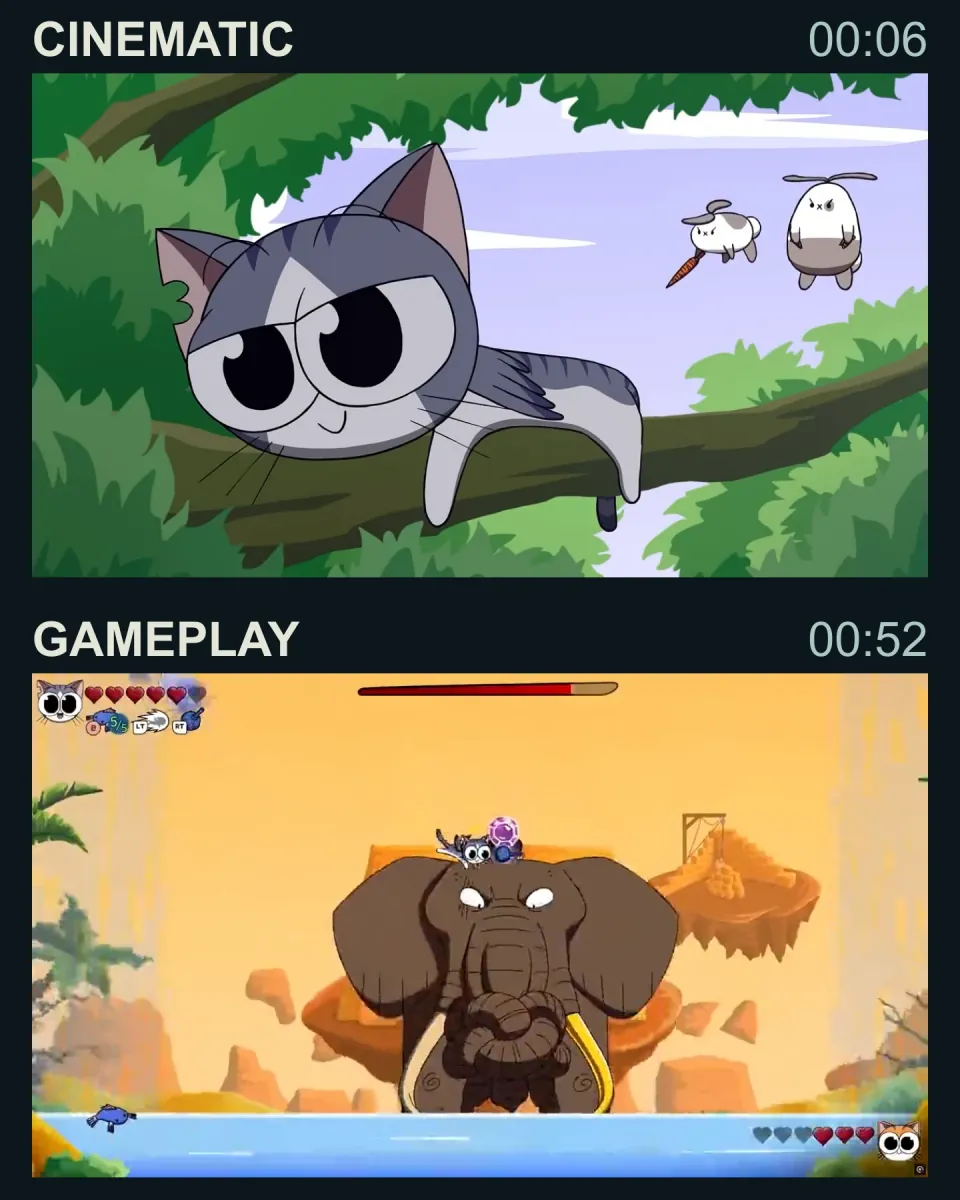
The Yarn Guardians frames below make this distinction visible. At 00:06, an animated cat rests on a branch; at 00:52, gameplay shows an elephant encounter with the HUD visible. Both belong to the same trailer. A “Gameplay overview” label would be better supported by a recognizable playing situation than by the animated introduction alone. That is an editorial comparison, not evidence that either frame earns more clicks.
Compare a few candidates at the size viewers will encounter. Ask someone unfamiliar with the selection what they expect the video to show. Record the answer before explaining the intended message. Check that the main subject remains recognizable without relying on tiny text.
Check the actual player
After upload, review the thumbnail and poster in the destination player. Click the trailer and confirm that the selected image belongs to that video, its label still fits and the correct version plays. A filename check alone will not catch a thumbnail paired with an older edit.
The thumbnail does not need to be the opening shot. Choosing a still and comparing trailer openings are separate decisions: one sets an expectation before playback; the other begins the sequence. Keep the approved still with the matching video in your trailer handover.
Preparing a gameplay edit? Twined's trailer editing service covers shot selection, pacing and agreed exports. Tell us where your trailer will appear so the edit and its presentation can be considered together.