Game Trailer Handover: What Belongs in the Final Folder?

A game trailer handover should let someone who was not involved in the edit identify the approved files, match each one to its destination and understand what still needs checking. A folder called “final” does not answer those questions.
Start with a delivery list
Our recommendation is a short delivery list at the top of the folder. Give each file a row containing its exact filename, destination, language, version, approval status and the person responsible for publishing it. Record any release restriction or unresolved check beside that row.
For a hypothetical game called Night Signal, night_signal_launch_v05_16x9_en.mp4 could be the approved landscape trailer, while night_signal_teaser_v03_9x16_en.mp4 is the approved vertical teaser. Different version numbers are fine: each deliverable needs its own history. The delivery list explains their jobs; the filenames help people find them. This is an illustrative convention, not a required naming standard.
Separate approved exports from working material
Put the approved exports in one clearly named folder. Keep superseded versions elsewhere and mark them as archived. Avoid leaving two competing files that both appear ready to publish.
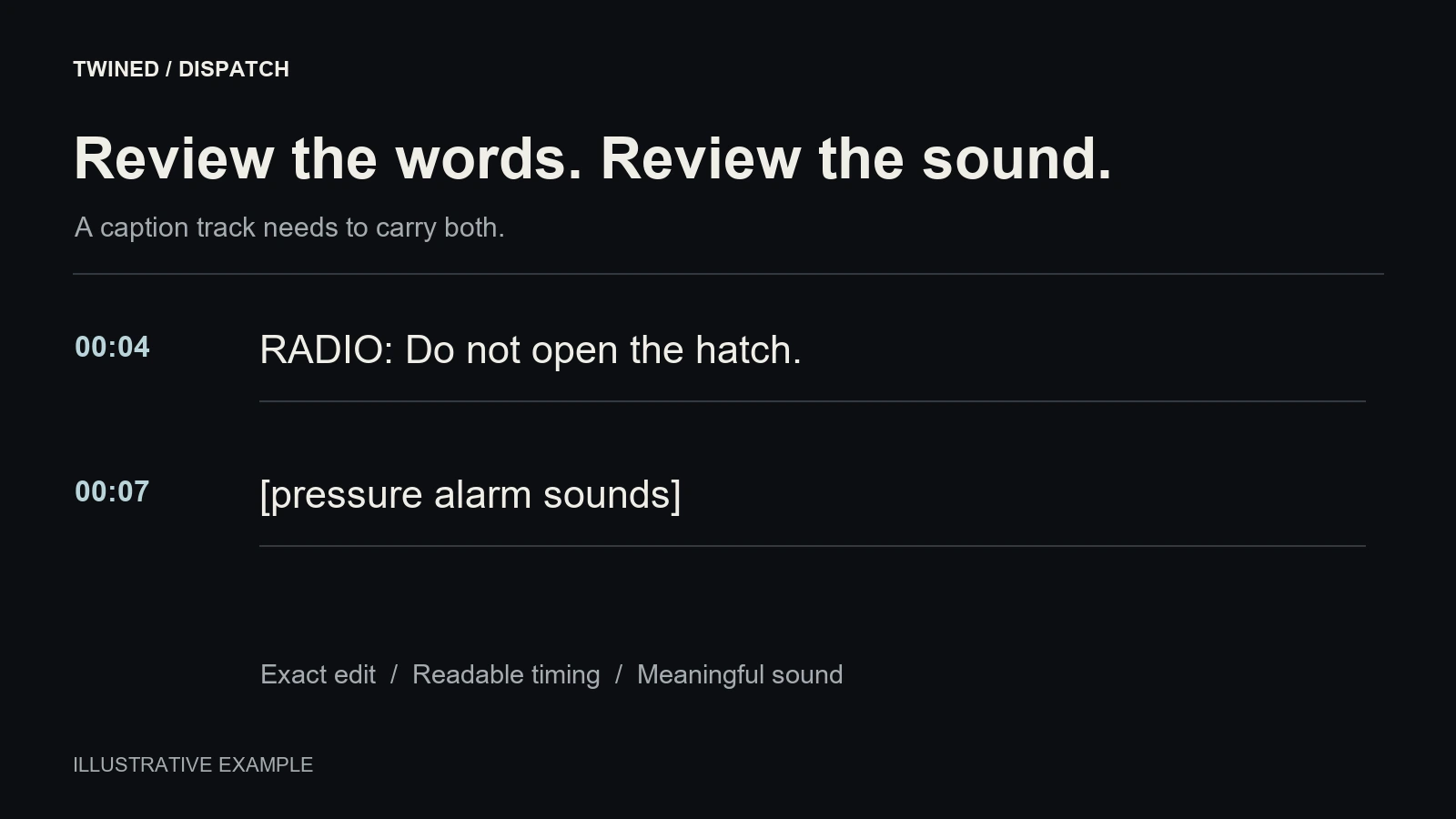
List companion files only where they belong to the agreed delivery: caption tracks, thumbnail artwork, alternate end cards or text-free versions. Link each companion to the relevant export. Our caption review guide covers the separate checks needed for caption timing and meaning.
Editing project files, source footage and third-party assets are different deliverables. Confirm whether they are included and what the recipient needs to open or reuse them. Do not assume that a finished trailer includes every production asset.
Accept the package, then check the destination
Ask the receiving person to download a designated export using the supplied link and find its approval record without help. Watch that file through with sound, confirm the intended ending and check that the delivery list describes it accurately. Report a missing or incorrect file by name.
Once uploaded, check the destination player separately and record which export was used. Steam’s trailer documentation says a game cannot be released while a trailer is converting. Our recommendation is to include processing and playback checks in the publishing plan, rather than treating an uploaded file as ready.
Planning a trailer delivery? Share the intended placements with Twined so the exports, companion files and handover responsibilities can be agreed alongside the Cinematics work.