Choose Steam Screenshots That Show Different Reasons to Play
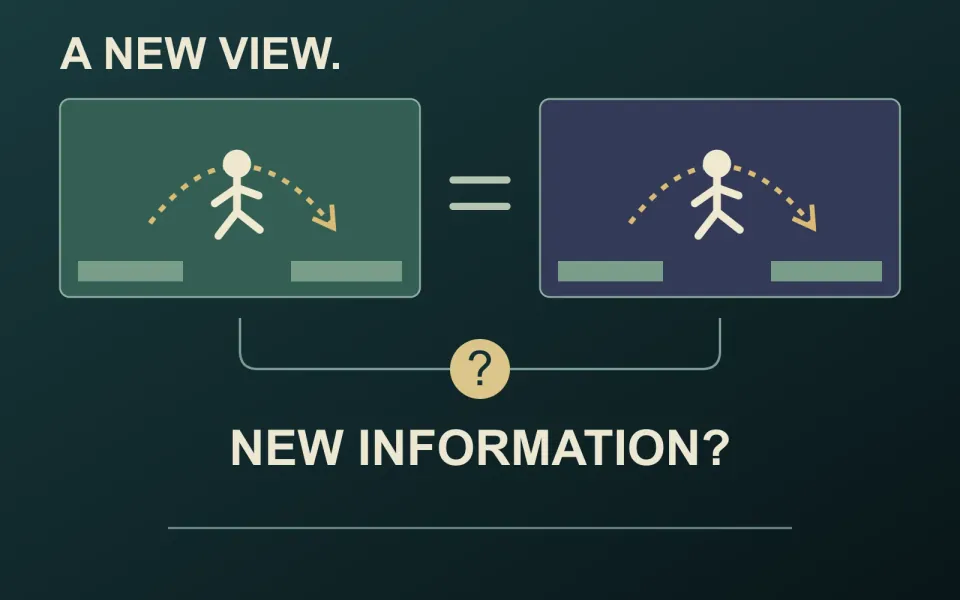
Choose Steam screenshots as a set. Each image should help someone understand what playing your game involves. Five attractive views of the same activity may satisfy the image count while leaving the rest of the experience unexplained.
Start with eligible gameplay
Valve’s screenshot guidance calls for at least five screenshots showing actual gameplay, with a minimum size of 1920 × 1080 and a 16:9 aspect ratio. Concept art, pre-rendered cinematic stills and promotional text do not belong in that screenshot collection. In-game UI can help viewers understand the interaction.
Collect clean captures from the build you are presenting. Keep your capsule artwork and cinematic publicity images in separate folders so a visually impressive file does not accidentally become a misleading gameplay screenshot. Our selection exercise below uses trailer frames for comparison; those compressed frames are not final store screenshot deliverables.
Ask what the next image adds
Our recommendation is to write one short purpose beside each candidate: show the central action, explain a decision, reveal a consequence or introduce a different play situation. These are review prompts, not five categories required by Steam.
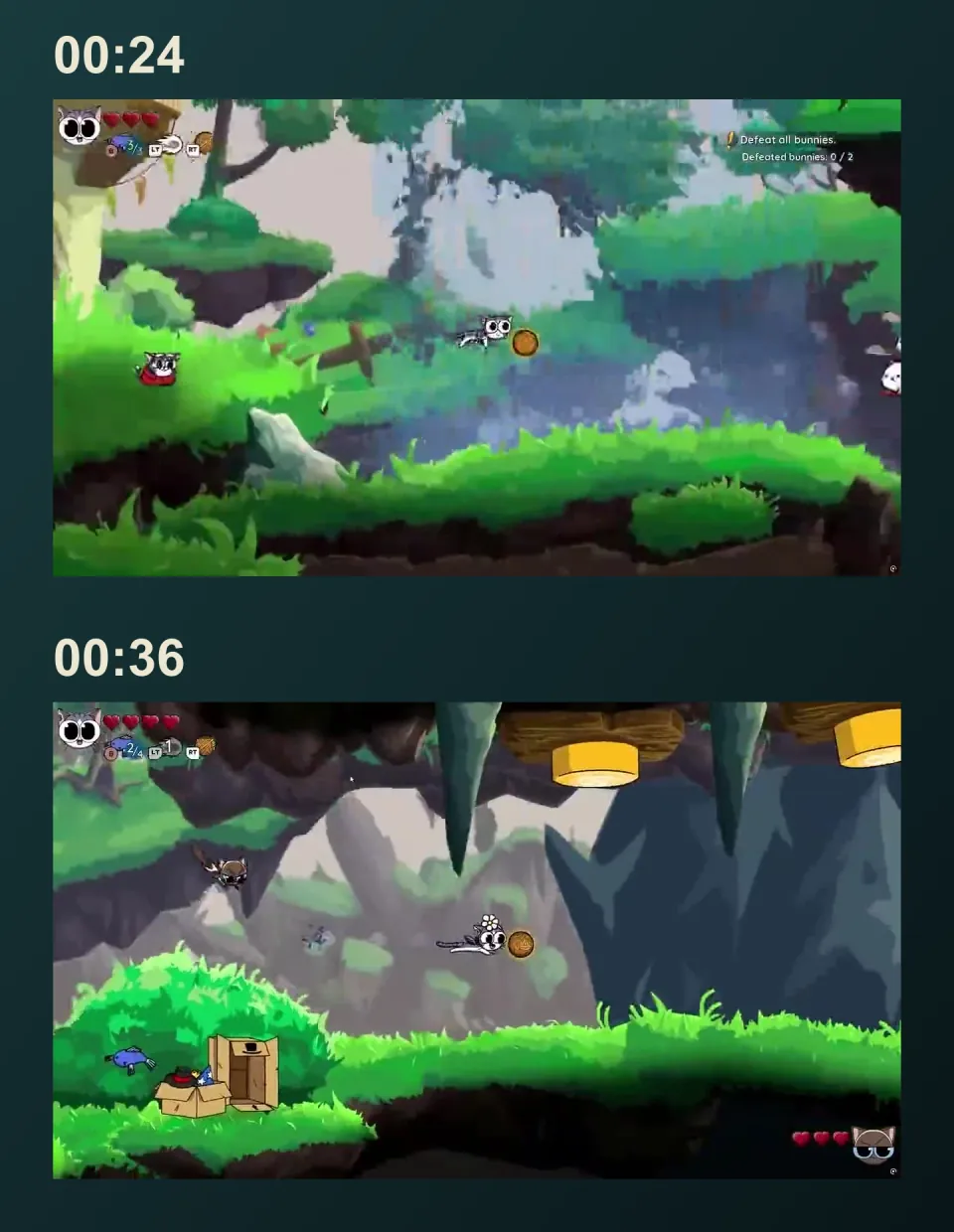
The two Yarn Guardians frames pictured here both show airborne platforming with visible HUD elements, despite their different scenery. That change may communicate environmental variety. It does not automatically demonstrate a different mechanic. Ask what someone learns from keeping both, then compare that value with another candidate.
Do the same with your own set. Three combat shots can earn their places if each reveals a meaningful distinction. Three different locations may repeat the same information. Keep notes about the visible evidence, rather than assuming that a more dramatic image will sell better.
Review the set, then capture the finals
Lay out the candidates in their intended order. Ask a teammate unfamiliar with the selection what activities they can identify, which pictures repeat an idea and what remains unclear. Record that reading before explaining the intended message. Use it to identify missing coverage, not to predict sales.
Capture any replacements directly from the build, inspect the full-resolution files and review them in the destination page. Check that the final selection still represents the game accurately and that captions or filenames have not been baked into the images.
Preparing the promotional artwork alongside your gameplay captures? Twined’s Steam capsule art and store assets service covers agreed artwork creation or adaptation. Discuss the artwork you need, keeping its role distinct from the gameplay screenshot set.