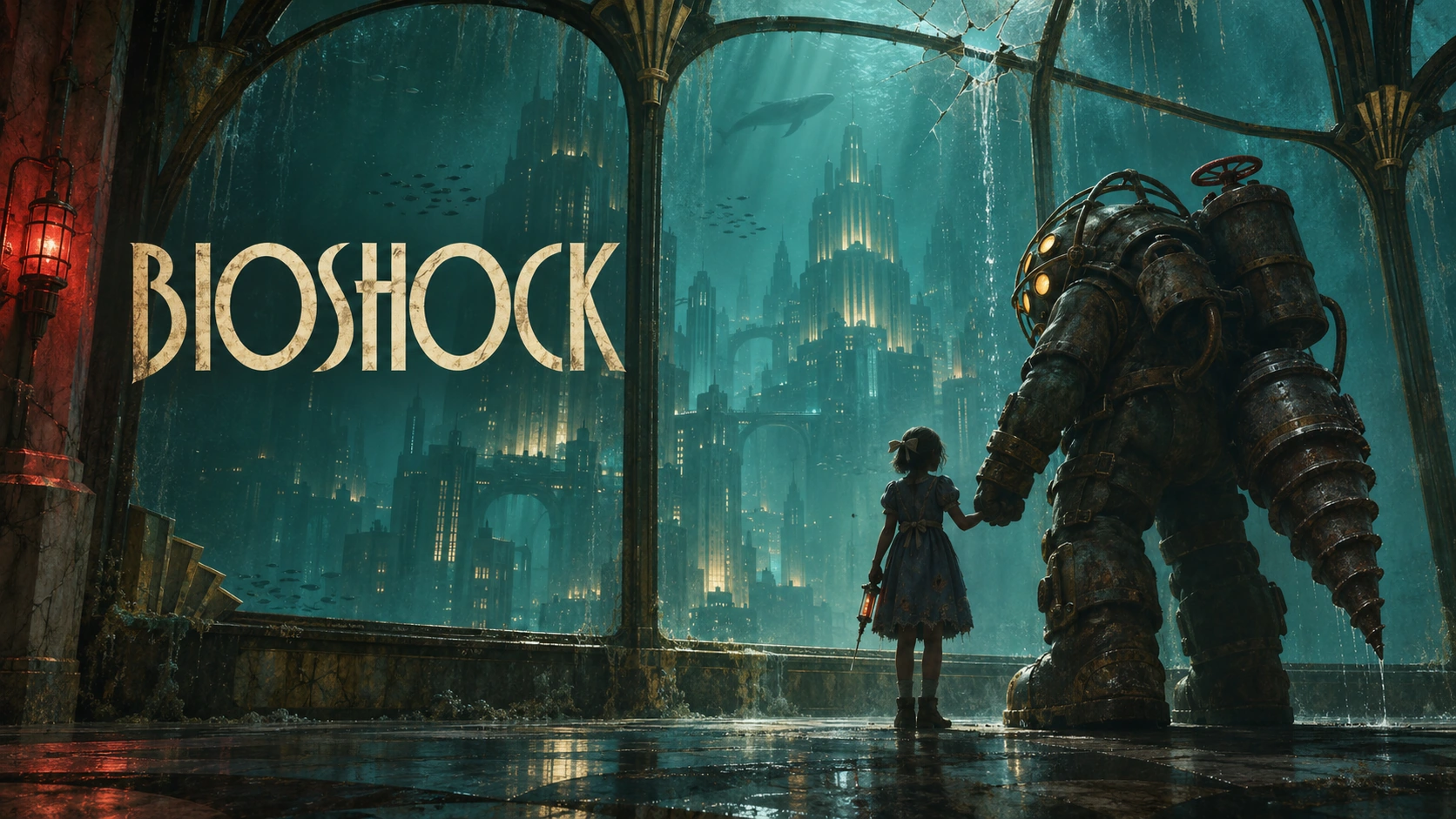
Steam Artwork Overrides: Plan an Update Capsule
Keep your everyday Steam capsule artwork separate from artwork announcing a content update. A temporary campaign needs its own message, language variants and end date. Agree those decisions before asking a designer to add a banner to the existing art.
Check whether the message belongs on a capsule
Valve limits base store capsules to game artwork, the game name and an official subtitle. Additional update text belongs in an Artwork Override and must describe new content currently available to Steam users. The text must be localized into at least the languages supported by the game. Discount slogans and unrelated calls to action are not permitted. See Valve's graphical asset rules.
For a hypothetical co-op game launching a substantial new region, a short region-update message could fit that purpose once the content is available. A wishlist request or a future release date would not. Decide what changed for the player first; keep the longer explanation in the accompanying announcement.
Design a temporary version that still reads as your game
Our recommendation: preserve the game's recognizable subject and give the update one clear visual emphasis. Ask for an early layout with the longest approved translation, rather than treating translation as a final export task. Review each placement at its actual viewing size: can someone identify the game and understand the update without enlarging it?
Valve requires the primary game logo in an override, roughly the same size as the added text. Overrides can run for up to 14 days; at the configured end time, the default images return automatically. The Artwork Overrides documentation explains scheduling and publishing.
Hand over both the campaign and its fallback
Give the person managing Steamworks a small delivery list: approved update wording, placement and language for each file, intended start and end times with the time zone, and the default artwork that should return. Keep the two sets in separately named folders so a temporary message cannot be mistaken for the new permanent identity.
Before scheduling, that owner should confirm the content will actually be available, inspect the uploaded language variants and check the fallback images. If the update slips, revisit the artwork schedule too. Keep this check separate from approving the illustration: a finished image does not establish that the store configuration is ready.
For the broader source-file brief, use our Steam capsule preparation guide. Twined's Steam artwork service can create or adapt the agreed files; uploads remain with your store team. Bring us the update and intended placements to scope the artwork.