3D Game Websites: Plan the Fallback Before Launch
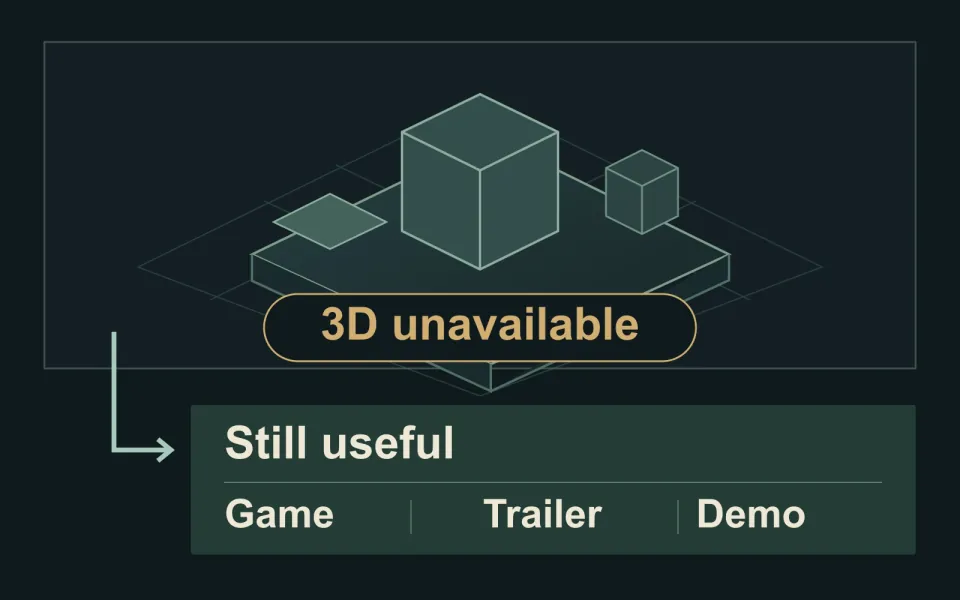
A 3D game website needs a useful fallback: a version of the page that still explains the game and lets visitors reach its trailer or demo when exploration is unavailable. Agree on that experience before launch, alongside the scene itself. An endless loading screen is not a fallback.
Plan for two different interruptions
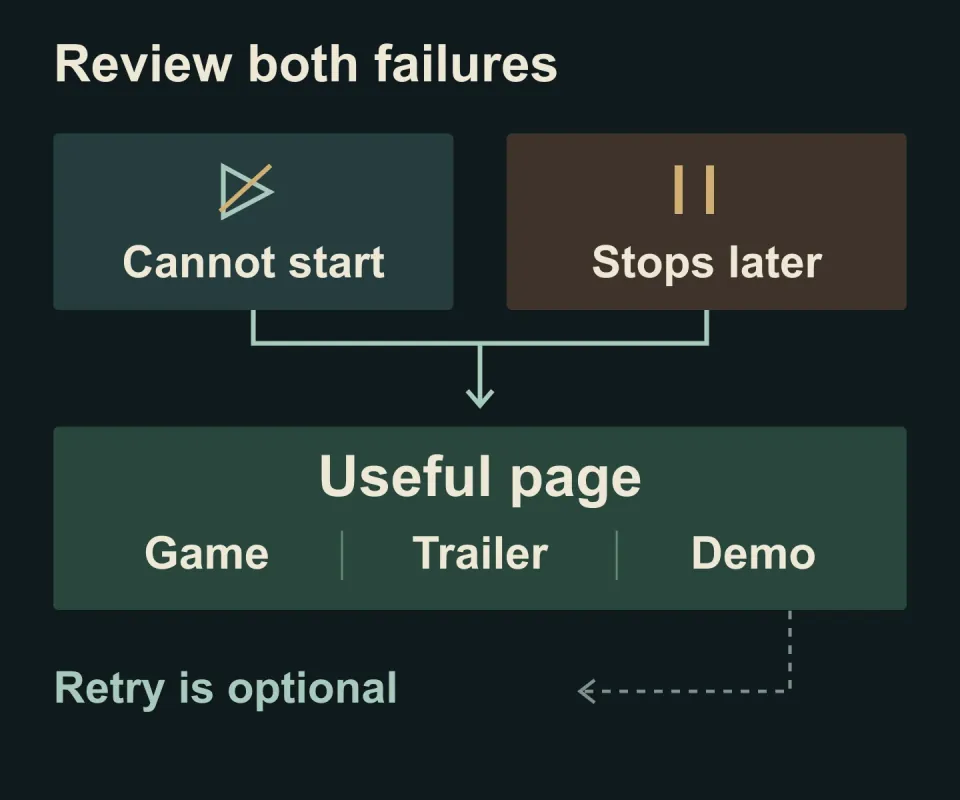
First, the scene may never start. A required asset might fail to load, or the browser may not provide the requested rendering context. MDN documents that a canvas context request can return null. The ordinary page should not depend on that request succeeding.
Second, rendering can stop after someone has entered. The browser exposes a WebGL context-loss event when its drawing buffer is lost. Treat that as a separate state in the brief: what should replace the frozen view, and can the visitor still leave exploration? A fallback shown only during startup will not answer that question.
Keep the useful route outside the scene
For a hypothetical mystery game, keep the title, a short premise, a representative still and the demo link in ordinary page content. A trailer can be another option, but it should not be the only way to understand the game. These elements need to remain reachable without the 3D scene or its controls.
If loading fails, replace the waiting state with a short explanation and a clear next step. “The 3D view couldn’t load. You can still explore the game below” tells visitors more than a technical error code. Do not blame their device when the cause is unknown.
Offer a retry if it is useful, without making it compulsory or restarting indefinitely. After a failure during exploration, release any captured pointer and restore normal page navigation. Keep sound controls reachable too; a frozen picture should not leave someone searching for a way to stop its audio.
Include failure in the review
Ask the developer to demonstrate both states in the preview. Test one deliberately failed required asset, then a scene that starts successfully before losing its rendering context. MDN’s context-loss example shows a development method for simulating the latter where the extension is available.
For each state, check the same visitor task: can someone understand the game, follow the demo link and use the page with touch or keyboard? Check retry separately. A lower-detail scene may help performance, but it still relies on rendering working; it does not replace this ordinary-page route.
When scoping a game website or interactive experience, include the fallback in the review plan. Tell Twined what visitors need to reach, and we can discuss both the immersive route and its essential page content.