Game Trailer Reviews: Make Sure Everyone Watches the Same Cut
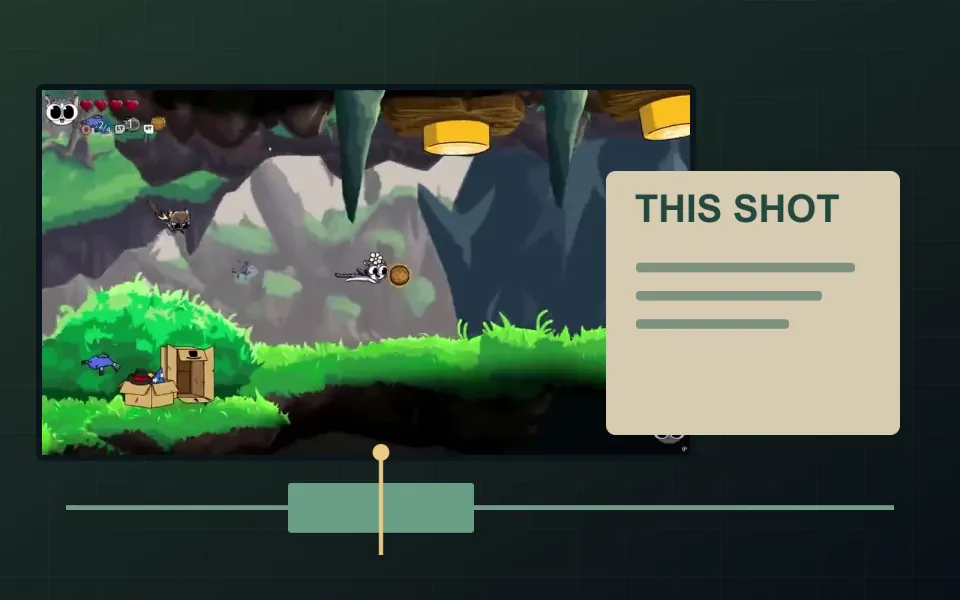
A note about “the shot at eighteen seconds” is only useful if the editor knows which cut you watched. After shots move, the same timestamp can describe a different moment. Treat the review version as part of every feedback round.
Declare one current cut
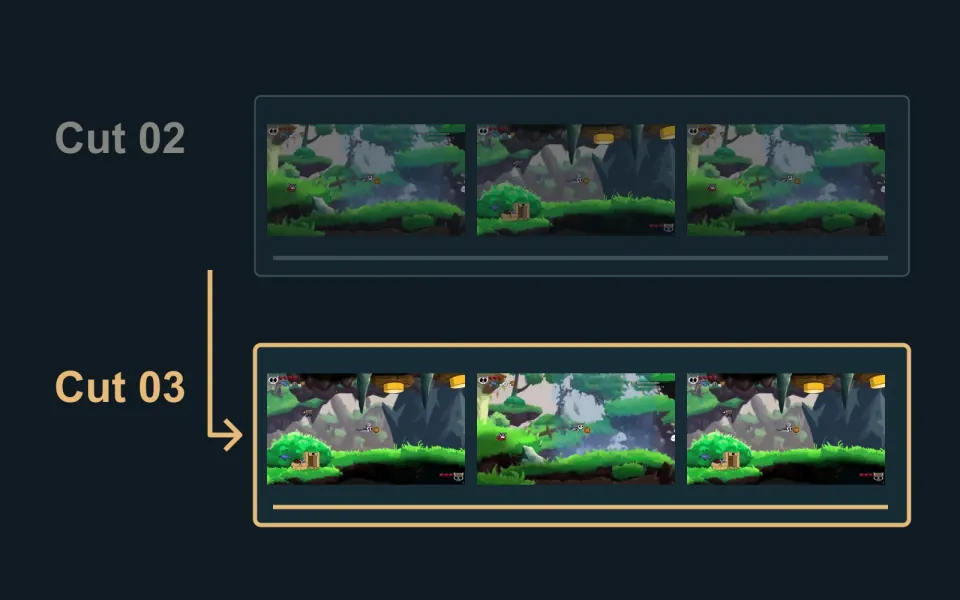
Twined’s recommendation is to send one review destination with a visible revision name and a short statement of what is being reviewed. For example: “Launch trailer, cut 03. Review the revised opening and closing message; the remaining sequence is unchanged.” These are illustrative labels, not a required naming system.
Keep earlier cuts available for comparison, but clearly distinguish them from the version awaiting a decision. Avoid replacing a file under an unchanged name without telling reviewers. Someone who downloaded yesterday’s copy may otherwise give detailed notes on an edit that no longer exists.
Attach the note to a version and a moment
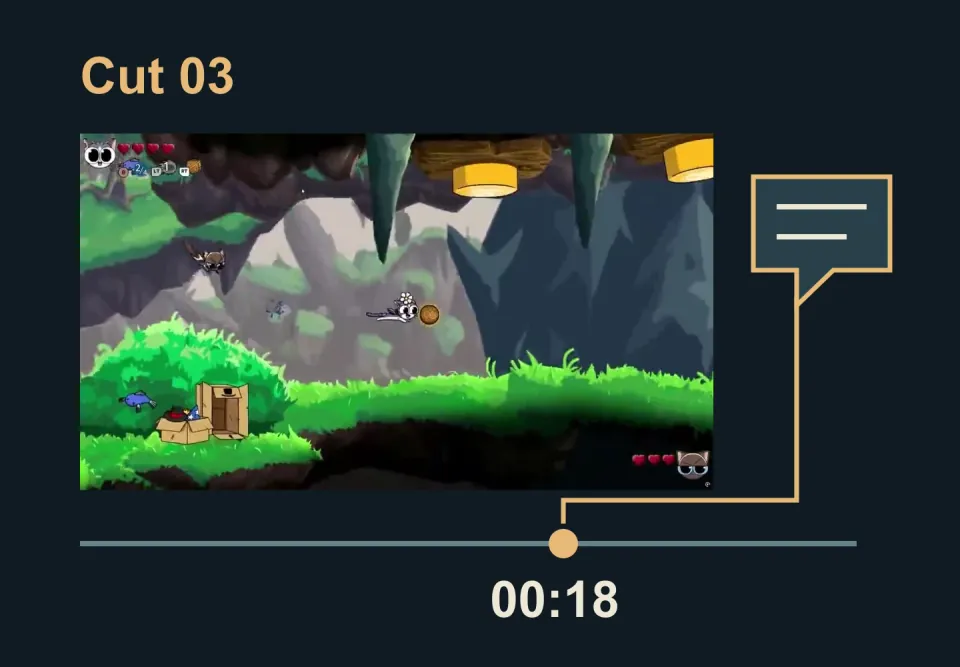
Use three pieces of information: the cut, the timecode and the requested outcome. “Cut 03, 00:18: I cannot tell what the player activated; hold the action long enough to see its result” identifies the evidence and the communication problem without prescribing every edit.
When comparing cuts, confirm which one receives the comment. Frame.io’s Comparison Viewer guidance specifically tells reviewers to select the appropriate asset header before leaving feedback. Other review tools need the same practical check: a side-by-side view is useful only when a note belongs to the intended version.
Do not assume that a resolved comment means the whole trailer is approved. It may mean one concern was addressed, withdrawn or moved elsewhere. Keep the editorial decision separate from the status of an individual note.
Close the round with an explicit decision
Have the studio’s agreed decision-maker consolidate the round. Record the exact cut, whether it is approved or needs another pass, and any remaining conditions. If a change affects the opening, captions or closing action, review that change in the resulting export rather than approving it from a description alone.
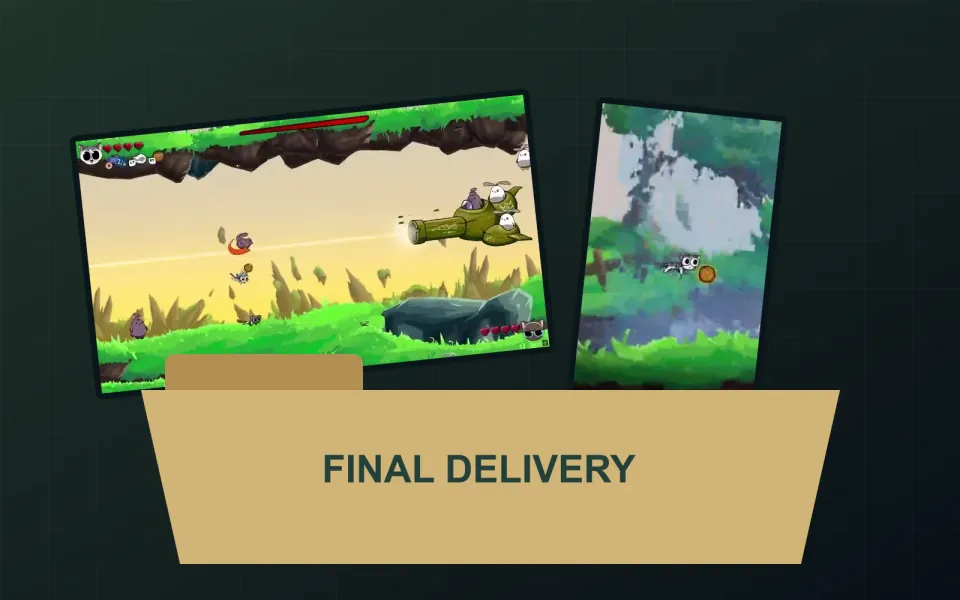
Before handover, identify the approved export by its filename and revision. Keep the approval note with the delivery record; our trailer handover checklist covers the files that travel with it. This prevents a polished older cut from becoming the accidental upload.
For gameplay trailer editing, tell us which edit and release moment you are planning. We can agree the versions and review responsibilities alongside the scope.